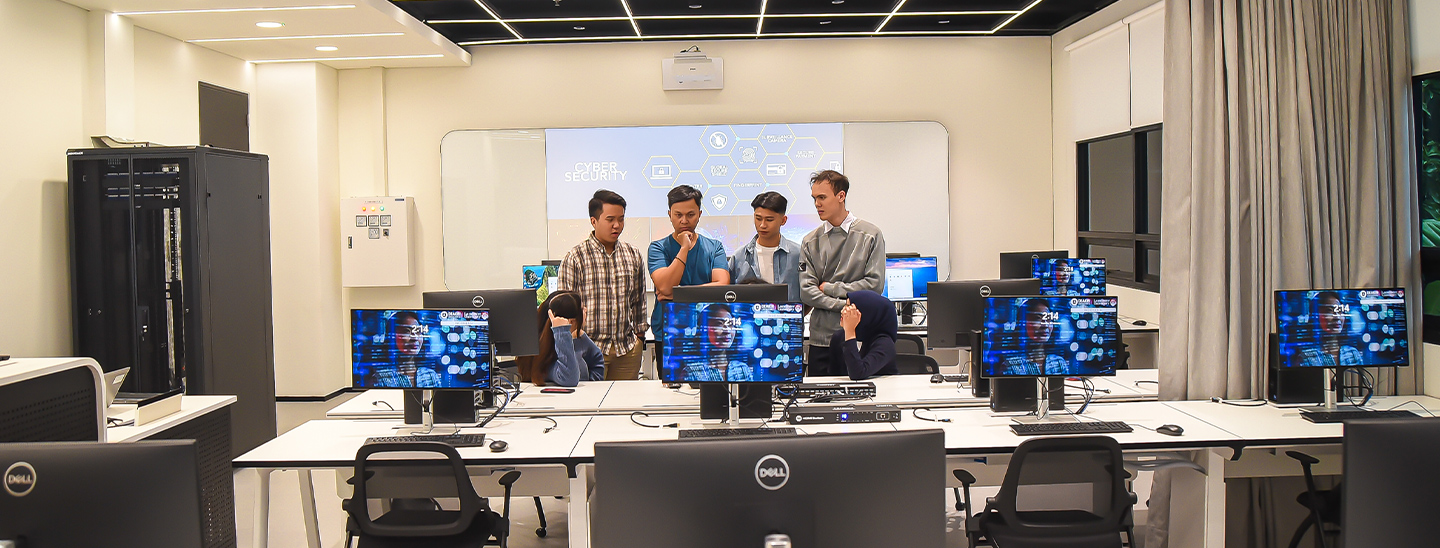
Our IT team keeps you connected and supported with the tools you need.
We assist with:
Contact the Student Support Team at the Student Connect Counter on Level 1 if you need support.
Available: 9:00am to 5:00pm Monday to Friday (excluding public holidays)
Send us an email to book an appointment at IT support
Protecting your information is critical. We provide guidance on:
The DLI Staff & Student Portal is a gateway to information, tools and services available to you as a DLI student. Via the Staff & Student Portal you can access:
To log on to the Staff & student portal, go to the portal
Moodle is a learning management system (LMS). It is software used to create, deliver, manage, and track important learning and teaching information and material. The DLI Moodle acts as a central platform for your educational content and assessment, teacher – student interactions, and a source of general information to support your success. You access your modules in Moodle via the Staff & student portal.
All students are given their own webmail account. As email is the preferred means of communication, all related information concerning your studies will be sent to this email address.
Students are expected to also use this email address for all correspondences with DLI.
You can access your emails by clicking on “Email” under the “Home” tab after you log in to the Staff & student portal. It is recommended that you check your Student Email every day to read important notices and emails from DLI.
Wireless internet access is available on campus.
Before you can connect to DLI Student Wi-Fi for the first time, you are required to login to the Staff & student portal or the campus computers in the library. You will not be required to do this step for subsequent access, unless you request your password to be reset.
Computer labs may be available for use by students outside of class times during the campus operating hours, please speak to Student Services for more detail about availability.
Student Services will provide you with your username and your initial password which will need to be changed after your first log in.
To connect to DLI Wi-Fi, the log in details will be
Students will be required to change their password after they log on for the first time.
If you have any questions pertaining to your access and internet connection on campus, do not hesitate to contact IT Support.
There are printers and photocopiers located at the library for you to use during library operating hours. Payment is made using your DLI Student ID card. You can top up (place credit) your Student ID Card at the Student Hub.
Minimum and maximum value to top up are IDR 50,000 and IDR 200,000 respectively, which is non-refundable.
Balance credits are cleared (non-refundable) upon finishing the last trimester of your program.
The charges for printing and photocopying services are as follows:
| PRINTING AND PHOTOCOPYING SERVICE | CHARGES |
|---|---|
| A4 in Black & White | IDR 2400 |
| A4 in Colour | IDR 25000 |
| A3 in Black & White | IDR 2400 |
| A3 Colour | IDR 25000 |
IT facilities are provided by DLI to students as tools to assist in their learning. These systems, including all equipment and contents (however stored) are the properties of DLI.
Misuse of electronic communication systems may result in disciplinary action. The form and severity of such action will depend on the circumstances, but may include monitoring of use, loss of access, suspension or expulsion from DLI.
The following are examples of prohibited use:
To engage and succeed as a student at DLI, there are three standards which you are required to meet:
1. Access to a device such as a desktop computer or laptop.
2. Connectivity to the internet.
3. Capability to use our online learning environments.
Before you commence your program, check you have access to the equipment and systems you will need to effectively complete your studies using the information below.
Some programs may have specific hardware requirements to support software.
Hardware requirements
DLI recommends a desktop or laptop computer for the best learning experience. While mobile devices like tablets and smartphones can access many communication and learning tools, some program components including online examinations require the computing capability of a desktop or laptop computer.
When choosing a computer for your studies, please use the following requirements as a baseline:
Software requirements
1. Many of DLI student services are web based and are best experienced using modern web browsers such as Microsoft Edge or Google Chrome.
2. Microsoft 365, which includes Word, Excel, PowerPoint and 100GB of OneDrive storage is available to students through the Deakin Software Library.
3. Your program may require additional specific software, which has higher or additional system requirements. Please check if your program is listed below.
Connectivity requirements
For online learning at home, you will need your own internet service provider (ISP). An NBN 50 plan (50Mbps download / 20 Mbps Upload), will allow high quality streaming of learning content and fast upload of assignments. While slower NBN plans or mobile hotspots can be used, your experience may be reduced at which point coming on campus and using the mentioned above-mentioned resources is an option.
Supervised online exams
Please note some programs have supervised online exams as the final assessment due to accreditation by an external body, or for program completion. Any student required to undertake a supervised online exam will require:
1. Stable broadband with at least 3 Mbps upload and download
2. Fully charged device
3. Access to a laptop computer for on-campus exams or desktop/laptop for remote exams. Computers must meet the above hardware and software requirements (including latest operating system updates).
Computer Science and Cyber Security Programs
To cater for more demanding workloads carried out during some programs in the following minimum specifications are advised:
| Component | Windows | Apple |
|---|---|---|
| CPU | Gen 12+ i7 (Gen 13+ recommended) | M2 |
| Operating System | Windows 11 | macOS 15 |
| Memory | 16 GB (32 GB recommended) |
| Storage | 500 GB (1TB M.2 recommended) |
| Connectivity | Wi-Fi 6 (802.11ax or above) |
| Display | 13+ inch |
| Accessories | Webcam and microphone |
Cyber Security programs
Students studying cyber security are encouraged to purchase an Intel-based computer for their studies. Several modules within the cyber security area will examine scenarios that require an intel CPU architecture for some activities. Students with ARM-based computers, such as the M-series Macs, will not be able to run components of these activities.